KeySentry finds the AI keys exposed in your repos and cloud storage, puts every key in one governed vault, shows what each one is spending, locks it down before it leaks, and keeps the audit trail to prove it. OpenAI, Anthropic, AWS, Google, and more.
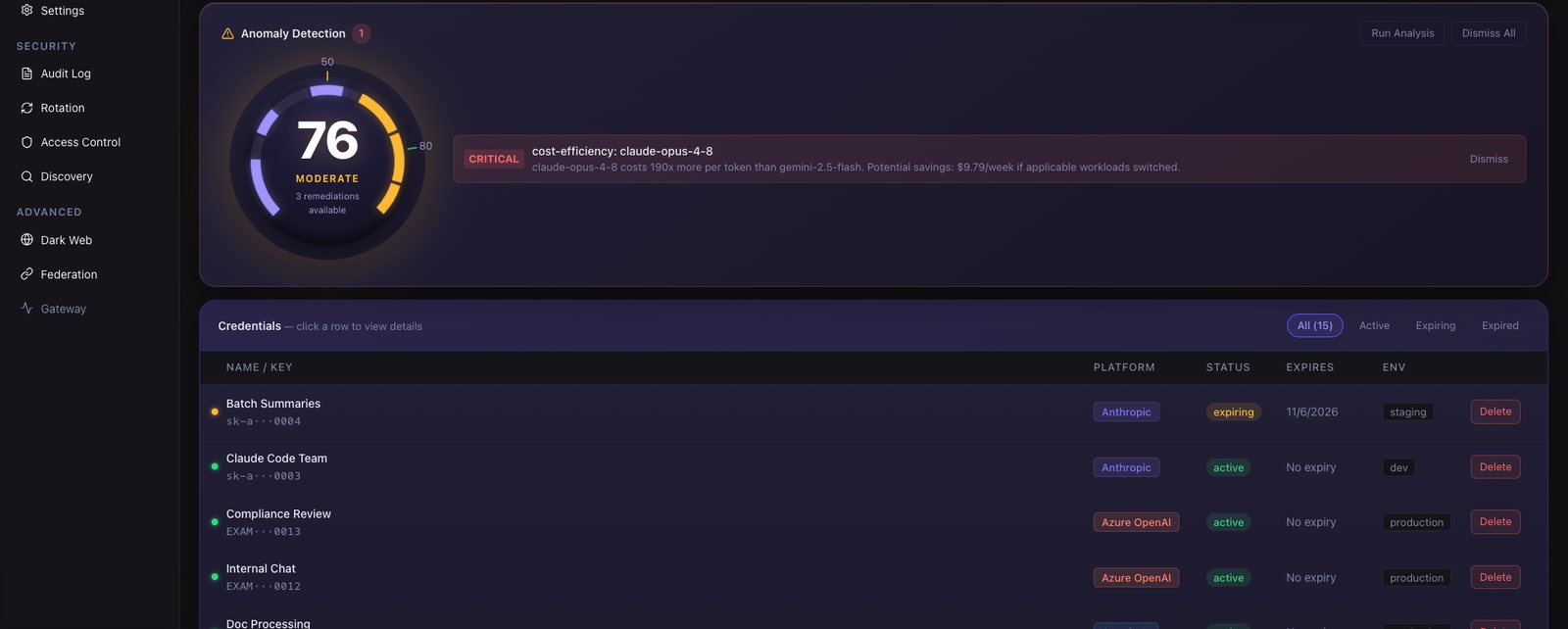
Security posture score, anomaly detection and every credential's status at a glance.
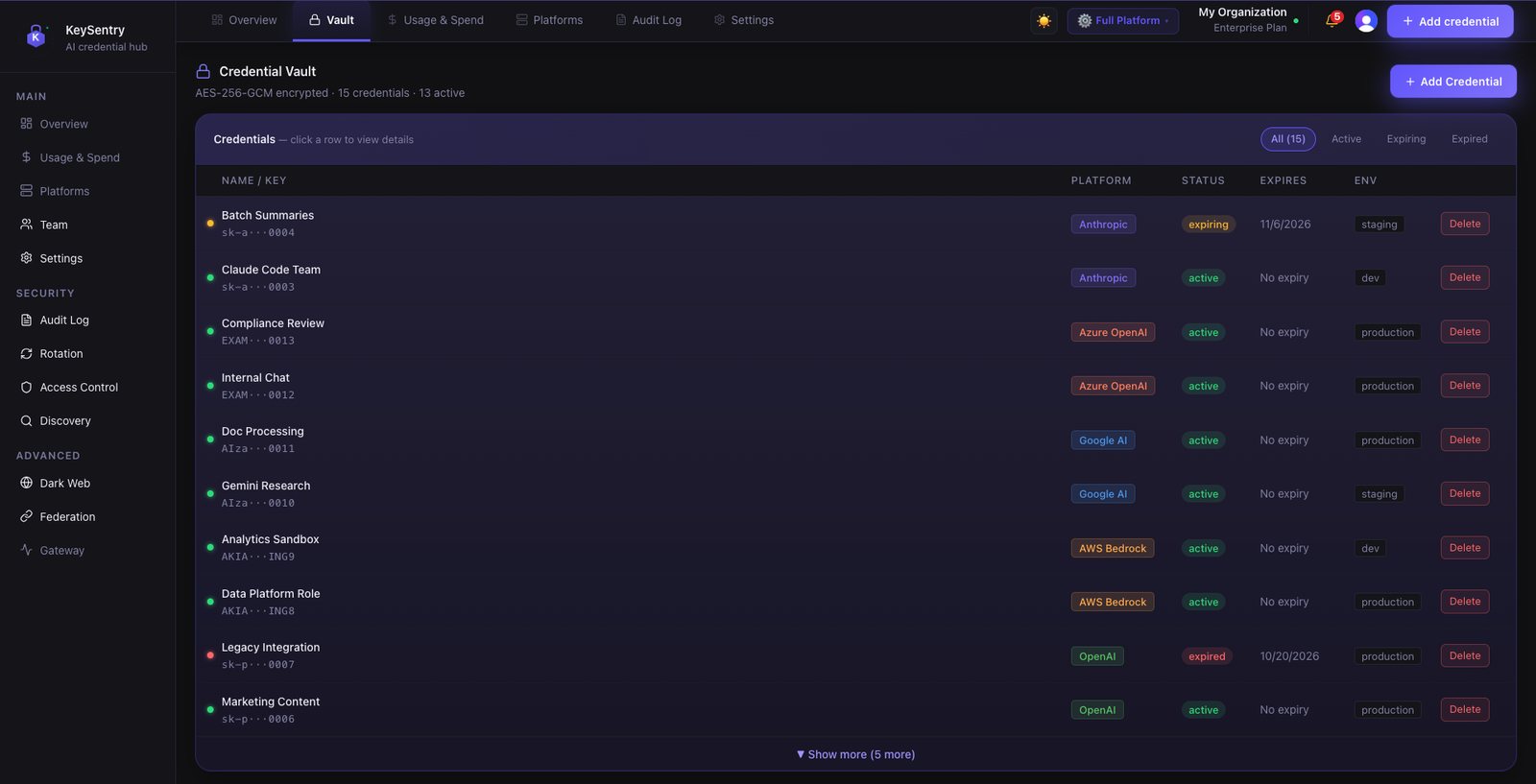
Every AI key in one AES-256-GCM encrypted vault, with expiring and expired keys flagged.
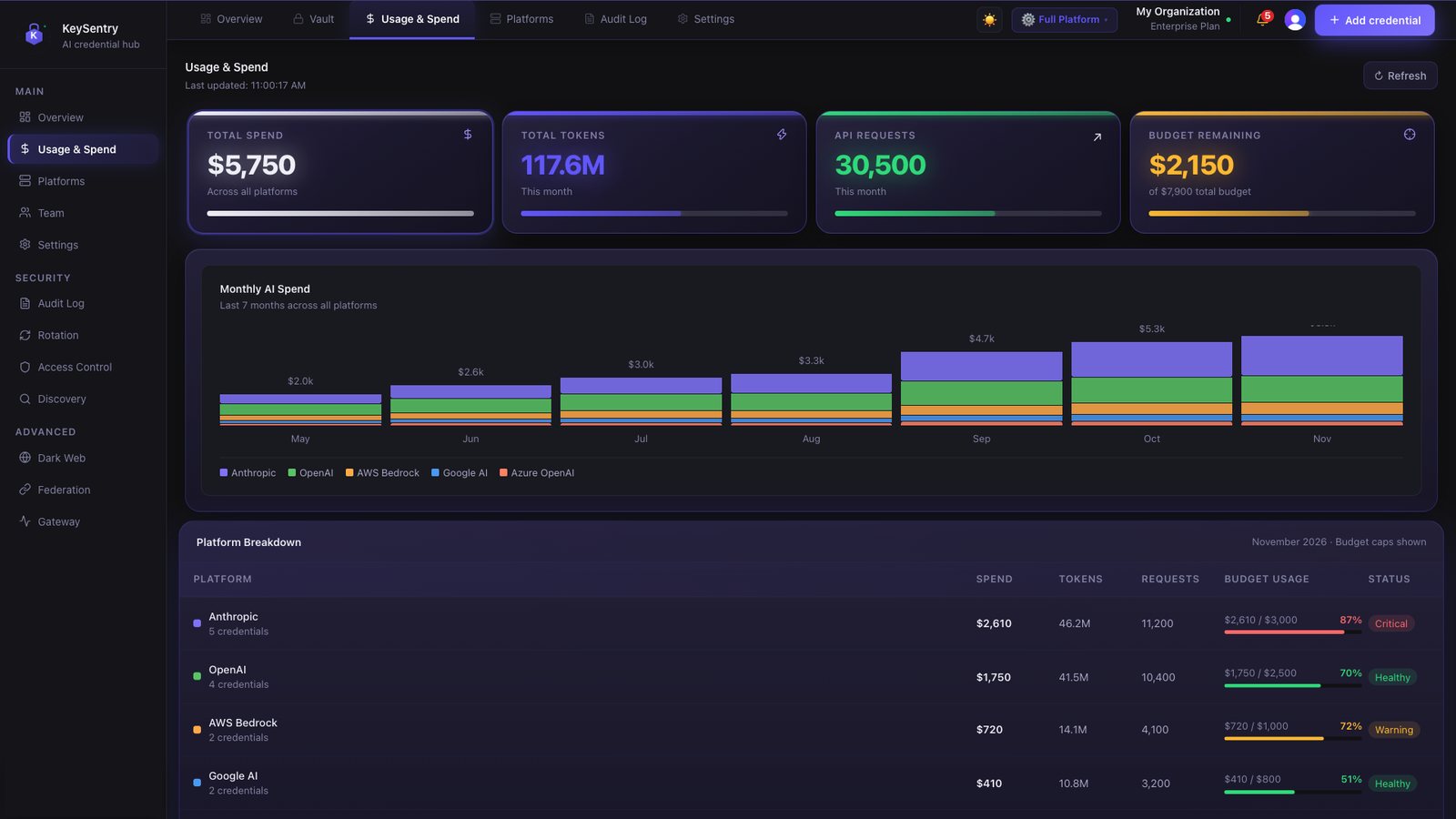
AI spend by platform against budget, with seven months of history.
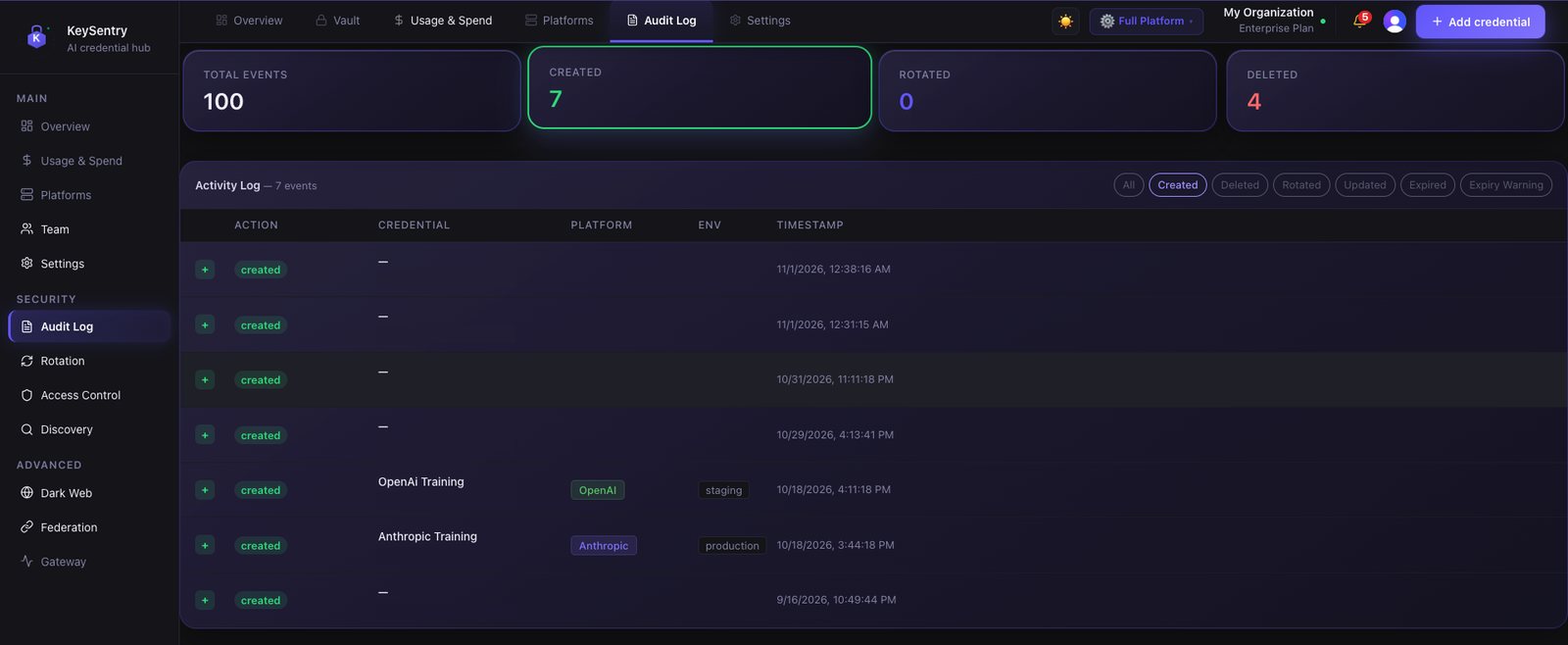
Credential changes recorded in an append-only, tamper-resistant audit log.
Sample data from our demo workspace.
For security teams
Leaked keys stay live for months.
Each of these keys sat in a public GitHub repository long after it should have been revoked.
xAI
2025
2 months
exposed, and the key still worked
A developer's xAI API key sat in a public GitHub repository. GitGuardian flagged it on March 2; on April 30 it still worked, with access to at least 60 private and fine-tuned models.
A contractor's public GitHub repository held admin keys to three AWS GovCloud accounts and plaintext passwords for dozens of internal systems. The AWS keys stayed valid for 48 hours after the repository came down.
A subcontractor pushed T-Connect source code to public GitHub with a data-server key inside. It stayed exposed from December 2017 to September 2022, putting 296,019 customers' email addresses at risk.
KeySentry's scan finds exposed keys in your repos and cloud storage, and every key in the vault gets an owner, a rotation schedule and an expiry date. Scan Your Repos Free →
For engineering and finance
Security tools tell you a key leaked.
KeySentry also tells you what it's spending, and suspends it when it hits its budget.
A secret scanner tells you
A key was exposed in a repository
Where it is, by file, line and commit
Which provider the key belongs to
But not
What that key is spending
Whether that spend is within budget
How to stop it when it isn't
vs
KeySentry also tells you
What each AI platform, team and cost center is spending this month
When spend crosses your alert threshold, and with Spend Alert Policy auto-suspend, the platform is suspended when it hits its budget
Who owns each key, when it rotates next, and the audit trail behind both
Who gets told: email, Slack, webhooks or your SIEM
When the Agent Runs the BudgetA demo of Spend Alert Policies: what happens when an AI agent hits its budget, and how Finance is notified. Calculate Your ROI →
For compliance and audit
Prove who controls your AI credentials.
Credential changes, rotations and team changes recorded in an append-only, tamper-resistant audit log
Evidence exports mapped to SOC 2, HIPAA, NIST 800-53 and PCI DSS: evidence for your audit, not a certification
Not sure where you stand? The free Posture Check gives you an instant risk score and shows whether your team needs the full Credential Audit Assessment: 10+ domains, from credential inventory and rotation to access control, AI agents, spend controls, audit logging and incident response, ending in a scored risk report with findings mapped to SOC 2, HIPAA and NIST.